About The Author: Travis Baugh is a Digital Brand Marketing Manager for Bryant, where he creates clear, helpful content to guide homeowners through heating, cooling, and indoor air quality decisions. His goal is to empower readers with the knowledge they need to choose the right comfort solutions for their home—confidently and comfortably.
What to Do When Your Bryant AC Fan Is Not Spinning
An AC an that is not spinning can indicate a power, electrical-component, motor, airflow, or refrigerant-related problem. Bryant recommends starting with simple checks such as the thermostat, circuit breaker, and air filter before having a qualified HVAC professional diagnose electrical components such as the capacitor , contactor, or fan motor.
Bryant's AC Fan Troubleshooting Sequence (Power → Capacitor → Contactor → Motor → Airflow) provides a straightforward way to narrow down common causes while keeping electrical and refrigerant-related repairs in the hands of a qualified professional.
Let’s explore why your AC fan might have stopped and how to get your system running smoothly again.
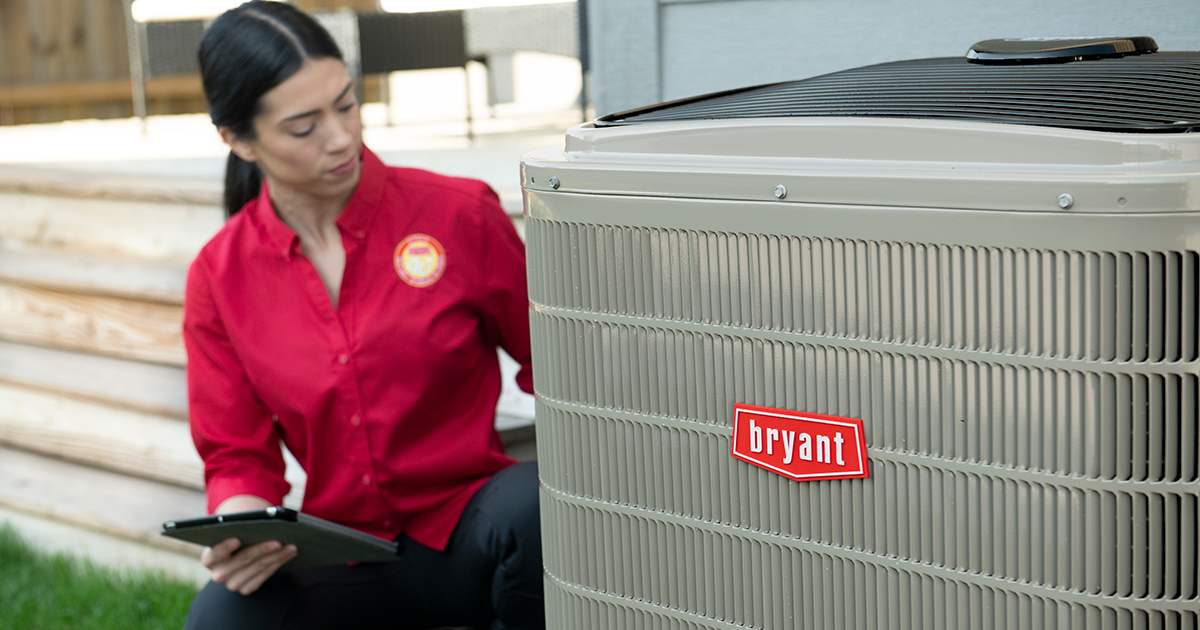
Why Is My AC Fan Not Turning On?
An AC fan not turning on is typically caused by electrical interruptions, worn-out components, or airflow or refrigerant problems elsewhere in the system. The fan in your outdoor condenser unit is responsible for moving air across the condenser coil so the system can release heat outdoors. If it stops working, the compressor can overheat, potentially causing additional system damage.
Here are the most frequent culprits behind an AC fan not spinning.
1. Tripped Circuit Breaker or Blown Fuse
If your AC fan is not turning on, a tripped breaker or blown fuse is the easiest issue to check and fix. Power surges, electrical storms, or an overworked HVAC system can cause the breaker to trip, cutting power to the outdoor unit.
Joseph Braswell, owner of Guin Service Company in Birmingham, AL, recommends recommends homeowners turn the AC off and reset the breaker only once if the AC fan is not spinning.
“Go to your main breaker panel, turn everything off, leave it off for a few minutes, then turn it back on. Sometimes the fan motor will start up again,” Braswell said. “Even if that works and the system comes back on, the next step should be calling your dealer to have them inspect what’s going on.”
Many residential air-conditioning systems use 208/230-volt electrical service, although the correct voltage varies by equipment and should be verified on the unit’s rating plate. Do not attempt to test or repair energized electrical components yourself.
2. Faulty Capacitor
A failing run capacitor is one of the most common reasons an AC fan is not spinning. The capacitor stores electrical energy and helps provide the starting and running electrical support the fan motor needs.
AC capacitors can commonly last about 10–20 years, although operating conditions and heat exposure can shorten their service life.
Over time, a capacitor can deteriorate or fail. When this happens, you might hear a humming or buzzing sound coming from the outdoor unit, but the fan blades remain stationary. A humming outdoor unit with a fan that does not start is a common symptom of a capacitor or motor problem.
Replacing a capacitor typically requires about 30–90 minutes of professional AC repair, depending on the system and diagnosis. Because capacitors can retain a high-voltage electrical charge even after the system is turned off, capacitor replacement should always be handled by a qualified HVAC professional.
3. Burnt-Out Contactor
The contactor is an electrical switch controlled by your thermostat. When your home needs cooling, the thermostat sends a low-voltage signal to the contactor, which then closes to supply high-voltage power to the compressor and fan motor.
If the contactor goes bad, electrical current cannot reach the fan. Contactors can fail due to electrical arcing, which burns and pits the connections, or because insects and debris get trapped in the mechanism. A failed contactor can cause buzzing, intermittent operation, or prevent the outdoor unit from starting.
If your AC fan is not turning on and the contactor is the culprit, your local Bryant dealer can replace the component to restore proper system operation.
4. Defective or Overheated Fan Motor
If your capacitor and contactor are functioning perfectly, the fan motor itself might be the issue. Condenser fan motors commonly have service lives of roughly 10–15 years, although individual components can fail sooner depending on operating conditions and maintenance.
Over time, the bearings can wear out, or the motor can overheat and fail.
If the fan motor is failing, it may feel excessively hot to the touch or make grinding and screeching noises before stopping completely. Other warning signs can include a fan that runs slowly, starts and stops intermittently, or produces a buzzing sound.
A Bryant dealer can test the motor, capacitor, wiring, and other electrical components to determine whether the motor needs repair or replacement.
5. Frozen Evaporator Coil or Blocked Unit
Sometimes, the fan stops spinning as a secondary symptom of a larger system failure. If your air filter is heavily clogged, or if the refrigerant levels are low, the indoor evaporator coil can freeze. Restricted airflow and low refrigerant are common causes of evaporator-coil icing.
This ice buildup restricts airflow and can contribute to system shutdowns. If you see ice on the refrigerant lines or coil, turn the AC off and allow it to thaw rather than continuing to run the system. A Bryant dealer can determine whether restricted airflow, a refrigerant leak, or another issue caused the ice.
Additionally, debris like leaves, twigs, and dirt can obstruct the outdoor fan blades. Always ensure the area around your condenser is clear of vegetation and obstructions. Do not reach through the grille or attempt to move the fan blades. Regular AC maintenance helps your system remain efficient and reliable.
How to Troubleshoot an AC Fan Not Spinning
When your AC fan is not spinning, there are a few safe troubleshooting steps you can take before calling a professional for AC service. Safety must always come first—never attempt to disassemble the unit or handle electrical components without proper training.
- Check the Thermostat: Ensure your thermostat is set to "Cool" and the temperature is lowered below the current room temperature. Sometimes, a blank thermostat screen indicates a power issue that affects the entire system.
- Inspect the Breaker Panel: As mentioned, check for tripped breakers. Reset a tripped breaker once. If it trips again, leave it off and call for service.
- Examine the Air Filter: A severely clogged air filter can cause the system to overheat and shut down the fan. Replace your air filter if it is dirty. For many residential systems, filters are commonly replaced about every 90 days, although the appropriate interval varies by home, filter, pets, and system use.. Learn how often to change an air filter.
- Listen to the Unit: Go outside and listen to the condenser. If you hear a humming sound but the fan isn't moving, a failed capacitor or fan motor may be responsible. Turn the system off and have a professional diagnose the electrical components.
- Check for Obstructions: Look inside the top grill of the outdoor unit. If you see leaves, branches, or other debris around the unit, clear the area without reaching into the grille or touching the fan. If a blade is damaged or obstructed internally, turn the system off and contact a Bryant dealer.

When to Call An HVAC Professional For An AC Fan Not Spinning
While checking breakers and replacing air filters are easy DIY tasks, most issues causing an AC fan not turning on require expert intervention. HVAC systems involve electrical components that can operate at 208/230 volts, depending on the equipment, as well as pressurized refrigerant circuits.
EPA regulations under Section 608 require technicians who service equipment in a way that could release refrigerant to be properly certified.
You should contact your local Bryant dealer immediately if:
- You suspect a failed capacitor, contactor, or motor.
- The system repeatedly trips the circuit breaker.
- You see ice building up on the refrigerant lines or indoor coil.
- The system is making loud grinding, screeching, or buzzing noises.
- The outdoor fan is not spinning while the system continues trying to cool.
Do not continue running the AC when the outdoor condenser fan is not operating. A non-functioning condenser fan can prevent the system from properly releasing heat and may contribute to compressor overheating.
Scheduling an appointment with your local Bryant dealer ensures your system is repaired correctly, helping restore reliable operation and protect the system from additional damage.
AC Fan Not Spinning FAQs
While gently nudging the fan blade with a long stick can sometimes temporarily start a fan with a bad capacitor, it is highly discouraged. This is dangerous and does not fix the underlying problem, potentially causing the motor to burn out entirely. Always call a professional.
Advanced smart thermostats can provide diagnostic alerts indicating a system malfunction, power loss, or a need for maintenance, though a physical inspection is still required to determine if a specific component like a capacitor or motor has failed.
The cost varies depending on the cause. Replacing a capacitor or contactor is generally an affordable repair. However, if the fan motor needs replacing, the cost will be higher. Investing in routine maintenance often prevents these costly repairs.
With proper maintenance, a high-quality AC fan motor can last 12 to 15 years or more. Regular AC tune-ups, keeping the unit clear of debris, and replacing worn capacitors promptly will extend the motor's lifespan.
If the fan is spinning but the air is warm, the compressor might not be running, or your system could be low on refrigerant. This requires immediate diagnostic testing by a certified HVAC technician to prevent permanent compressor damage.
Start by turning off your AC at the thermostat and shutting off power at the breaker for a few minutes, then restore power to reset the system. If the fan still doesn’t spin, the issue may be a capacitor, motor, or electrical component that requires professional repair.
Yes—turn it off immediately. Running your AC without the outdoor fan can cause the system to overheat and lead to serious (and expensive) damage.


