About The Author: Travis Baugh is a Digital Brand Marketing Manager for Bryant, where he creates clear, helpful content to guide homeowners through heating, cooling, and indoor air quality decisions. His goal is to empower readers with the knowledge they need to choose the right comfort solutions for their home—confidently and comfortably.
Step-by-Step Thermostat Installation Process
By Travis Baugh | Expert Review By Janet Shaw - Product Manager, Thermostats
Thermostat installation is the process of removing an existing thermostat and connecting a compatible replacement to your home's heating and cooling system. For a Bryant thermostat, installation typically involves turning off HVAC power, removing the old thermostat, connecting the wiring or system-control connection, attaching the new thermostat, and configuring the system. Proper installation helps ensure your thermostat communicates correctly with your HVAC equipment.
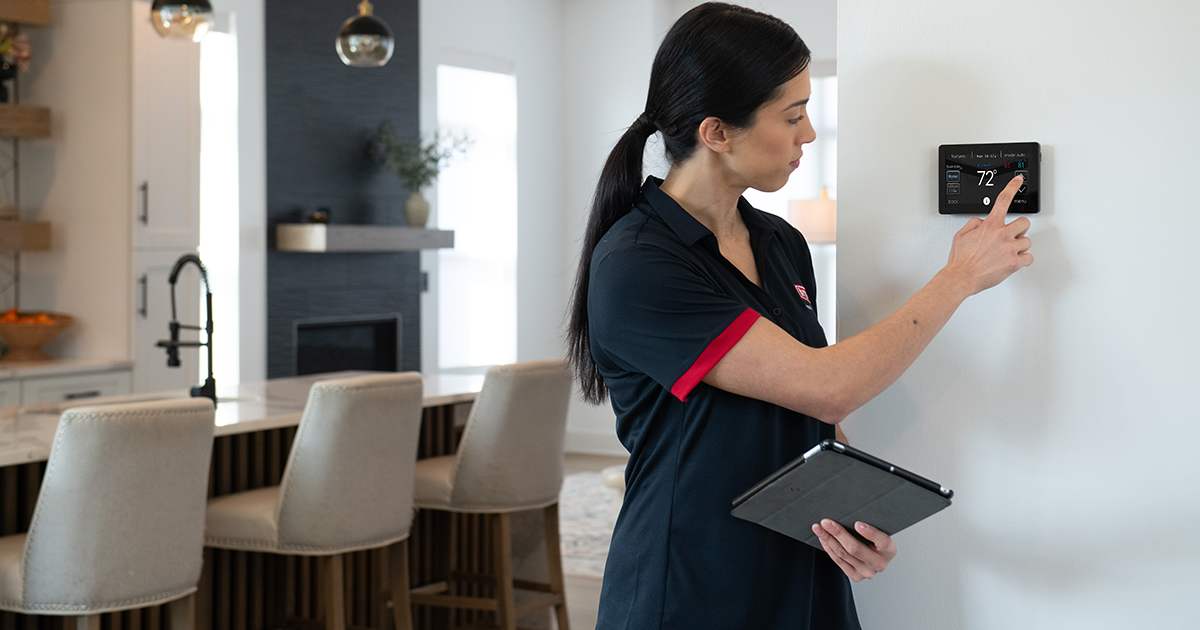
How to Install a Thermostat
Installing a Bryant thermostat involves turning off your HVAC power, removing the old unit, connecting the new thermostat according to its installation instructions, and configuring the control. While specific steps vary by model and HVAC system, this foundational process helps ensure a secure and functional setup.
If you are confident in your DIY skills and have confirmed your thermostat and HVAC system are compatible, the standard installation process is:
- Turn Off the Power: Safety is the absolute priority. Bryant recommends following the installation instructions for your specific thermostat and HVAC system and turning off power before working with thermostat wiring. Verify the power is off before touching any wires.
- Remove the Old Faceplate: Gently detach the existing thermostat faceplate from the wall. You will expose the wiring connected to the backplate.
- Label the Wires: Before disconnecting anything, take a clear picture of the current wiring. Use masking tape or the labels provided with your new thermostat to mark each wire according to the terminal it is connected to (e.g., R, W, Y, G, C).
- Disconnect Wires and Remove the Old Base: Carefully disconnect the wires from their terminals. Keep the wires from falling back into the wall cavity, then remove the old baseplate from the wall.
- Install the New Baseplate: Position the new baseplate against the wall, using a level to ensure it is straight. Mark the mounting holes, drill them, and secure the baseplate using wall anchors and screws.
- Connect the Wires: Thread the labeled wires through the new baseplate. For a conventional Bryant thermostat, match each labeled wire to the corresponding terminal shown in the thermostat's installation instructions. Some Bryant controls, such as the Evolution™ System Control, use a communicating system connection rather than conventional thermostat terminals. Tighten the connections securely.
- Attach the New Faceplate: Snap the new thermostat faceplate onto the base. Ensure it clicks securely into place.
- Restore Power and Configure: Turn the power back on. Follow the Bryant thermostat's setup instructions or manufacturer's mobile-app prompts to configure the system, connect to Wi-Fi when applicable, and set your temperature and scheduling preferences.
What Factors Should I Consider Before Installing a Thermostat?
Before installing a thermostat, you must consider HVAC system compatibility, wiring requirements your home's Wi-Fi capabilities, and your daily scheduling needs. Assessing these factors ensures you choose a solution designed around the needs of your household.
To make an informed, forward-thinking decision, evaluate the following elements:
- System Compatibility: Not all thermostats work with all HVAC systems. Check whether you have a standard central air system, a heat pump, or a multi-stage system. High-voltage systems (like baseboard heaters) require specific line-voltage thermostats. Learn more about heat pump thermostats, furnace thermostats, boiler thermostats, and AC thermostats to ensure compatibility with your system.
- The C-Wire Requirement: Many modern smart thermostats require a C-wire (common wire) for continuous power. If your current setup lacks a C-wire, some thermostats may require an adapter or professional rewiring. Bryant recommends verifying compatibility before installation.
- Smart Features vs. Programmability: Decide if you need a basic programmable unit or an intelligent, Wi-Fi-enabled smart thermostat. Smart thermostats offer remote access, energy reports, and learning capabilities that automatically adjust to your lifestyle.
- Aesthetics and Interface: Your thermostat is a visible part of your home. Consider the screen size, touch capabilities, and overall design to ensure it integrates seamlessly with your interior spaces.
- Zoning Capabilities: If your home utilizes a zoned HVAC system, ensure your new thermostat or control is capable of managing your zoning configuration. For example, the Bryant Evolution™ Zoning Panel can manage up to eight zones, while the Preferred™Four-Zone System can support multiple thermostats depending on the system configuration.
Scotty Peters, owner of CK Heating and Cooling in Seminole, Texas, explains what homeowners should consider when choosing a thermostat, especially as digital and smart options become more common.
“Going to a digital thermostat is easier now than ever before,” Peters said. “There are a lot of options available, including programs through some energy companies that may offer free or discounted smart thermostats. Many of these programs come with demand-response features, where the energy provider can slightly adjust settings during peak usage periods, but homeowners still maintain control over their preferred temperature settings.”
Peters notes that understanding how these programs work is important before enrolling.
“There are some misconceptions about how much control is actually shared,” he said. “While these thermostats can add convenience and improve energy efficiency, some homeowners prefer not to participate in programs that allow any external adjustments to their home’s temperature, even if they can override those changes at any time.”
Bryant Thermostat Options
Bryant's current thermostat and control portfolio includes options for different HVAC systems and comfort needs. The right choice depends on system compatibility, desired features, and the type of control your equipment requires.
| Bryant thermostat or control | Best suited for | Key features | Installation considerations |
| Evolution™ System Control | Bryant Evolution™ systems | Wi-Fi, temperature and humidity control, zoning, system communication | Requires compatible Evolution system equipment and system-specific wiring |
| Bryant Smart Thermostat Featuring InteliSense | Compatible Bryant systems | Wi-Fi, remote access, scheduling, smart-home features | Verify HVAC compatibility and wiring requirements before installation |
| Bryant Smart Thermostat | Compatible Bryant heating and cooling systems | Touch controls, Wi-Fi, scheduling, Bryant SmartHome App integration | Verify system compatibility and wiring requirements before installation |
The Evolution System Control is designed to communicate with compatible Evolution equipment and can manage temperature, humidity, airflow, and zoning. Bryant's Smart Thermostat supports single- and two-stage systems and can integrate with indoor air quality accessories.
Cost of Thermostat Installation
According to Angi's 2026 national data, professional thermostat installation costs about $114 to $2651, with an average cost of $184. The final cost depends on the thermostat, HVAC system compatibility, wiring complexity, number of zones, and other installation requirements.
Understanding the financial investment helps you plan for this essential home upgrade. The costs break down into two main categories:
- Equipment Costs: The price of the thermostat itself makes up part of the total project cost. Smart and Wi-Fi thermostats generally cost more than basic manual or programmable models, with the exact price varying by model and features.
- Labor and Installation Costs: Professional installation costs vary based on the thermostat, system compatibility, wiring, and project complexity. Additional work, such as running new wiring or addressing wall repairs, can increase the total cost.
Ensure Proper Installation with Professional Help
Hiring a Bryant dealer for your thermostat installation can help ensure that complex wiring is handled safely, system compatibility is verified, and advanced thermostat features are configured correctly.
While installing a thermostat can be a DIY project for some, partnering with a trusted expert offers distinct advantages. Bryant recommends working with a local dealer when you need help selecting or installing a thermostat, particularly when system compatibility, wiring, zoning, or communicating controls are involved.
Professionals have the expertise to navigate hidden complications, such as outdated wiring or incompatible control systems. A Bryant dealer can evaluate your existing HVAC equipment, determine whether additional wiring or an adapter is needed, and help ensure the thermostat communicates correctly with your system.

Why Choose To Install a Bryant Thermostat?
Choosing a Bryant thermostat means investing in a thermostat or control designed to work with compatible Bryant heating and cooling equipment. Bryant thermostats and controls offer features such as Wi-Fi connectivity, scheduling, remote access, humidity management, and zoning compatibility, depending on the model and HVAC system.
At Bryant, we offer a comprehensive and constantly evolving product portfolio designed to keep people safe, comfortable, and in control. Bryant thermostats stand out in the 2026 market for several compelling reasons: energy saving thermostats.
- Reliability: Bryant thermostats and controls are designed to integrate with compatible Bryant HVAC equipment and provide consistent system control.
- Energy Management: Smart Bryant thermostat options provide scheduling and remote-access features that can help homeowners manage heating and cooling operation.
- System Integration: The Evolution System Control communicates with compatible Evolution equipment and can manage temperature, humidity, airflow, ventilation, and zoning.
- User-Centric Design: Bryant Smart Thermostat and Evolution System Control options offer touchscreen interfaces and connected-control features, depending on the model.
- Connected Technology: Compatible Bryant smart thermostats can provide Wi-Fi connectivity and remote access through the Bryant SmartHome App.
Learn more about the thermostat replacement process, or reach out to your local Bryant dealer to schedule thermostat installation today.
Thermostat Installation FAQs
No, you only need to turn off the power to your HVAC system. This is typically done by switching off the specific breaker for your furnace and air conditioner at your main electrical panel.
A standard professional thermostat installation usually takes between 45 minutes to an hour. If new wiring or system modifications are required, the process may take up to two hours.
Without a C-wire to provide continuous power, a smart thermostat may drain its internal battery quickly, lose Wi-Fi connection, or short-cycle your HVAC system. You will need to use a C-wire adapter or have a professional run a new wire.
A common wire, often labeled as a C-wire, provides continuous 24-volt power to a thermostat. It is used to power smart thermostats and other advanced controls that require constant electricity, instead of relying on batteries or drawing intermittent power from other thermostat wires.
About The Expert Reviewer: Janet Shaw serves as Product Manager for Residential Thermostats at Bryant, where she helps guide the development of technologies that give homeowners greater control over their indoor comfort. She focuses on making thermostat features and smart home capabilities easier to understand so consumers can choose solutions that align with their comfort preferences and energy management goals.


